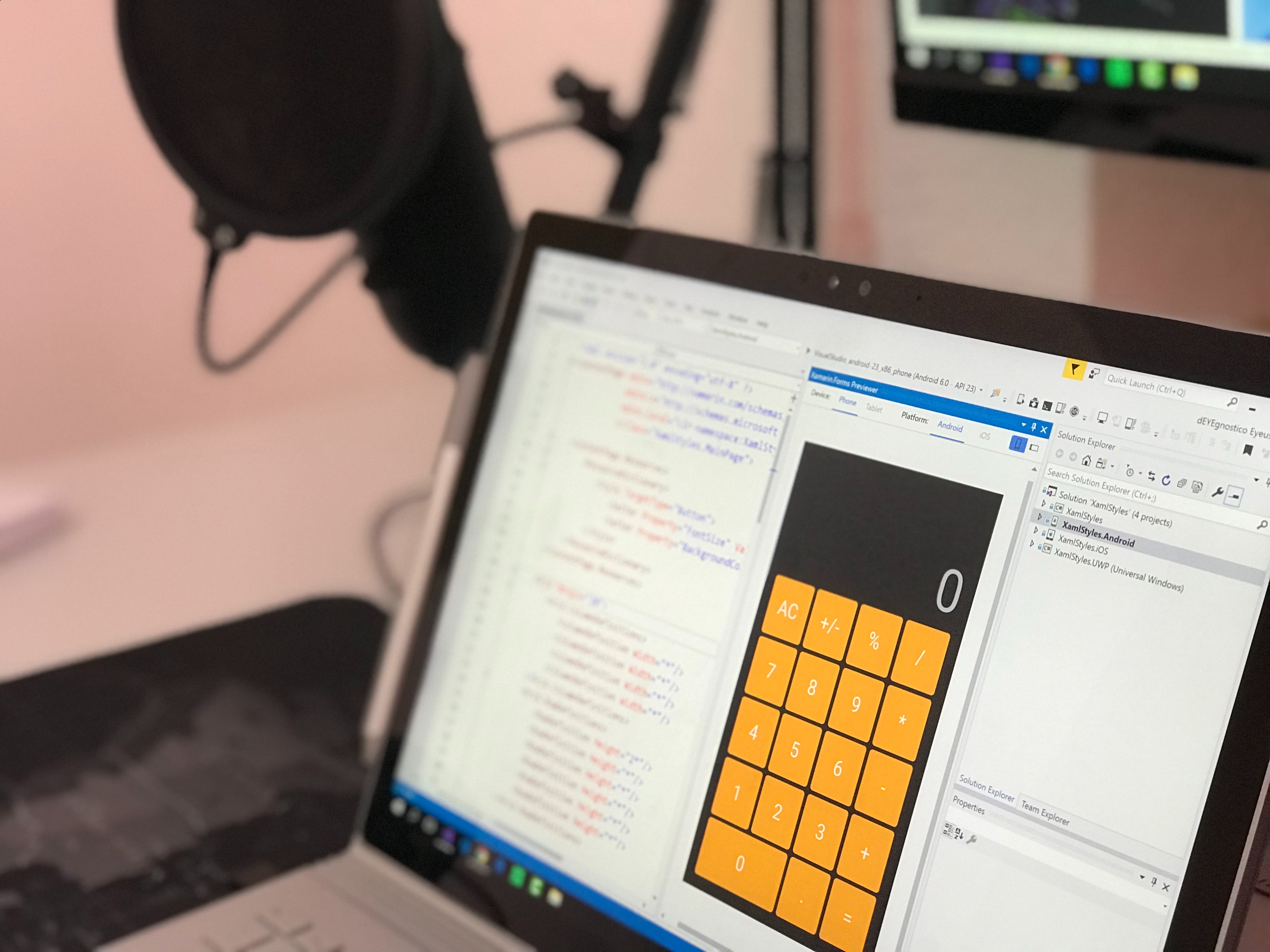
Introduction to Mobile App Development: iOS and Android Basics.
in Web & Mobile App DevelopmentAbout this course
Mobile app development is the process of creating software applications specifically designed to run on mobile devices like smartphones and tablets. These applications can be used for a wide range of purposes, from entertainment and communication to productivity and business functions. The two most popular platforms for mobile app development are iOS and Android. Let's delve into the basics of each platform:
1. iOS Development:
iOS is the operating system developed by Apple for their mobile devices, including iPhones and iPads. iOS app development is primarily done using the Swift programming language, although Objective-C is also used, especially for older projects. Here are the key components and concepts in iOS development:
Xcode: This is the integrated development environment (IDE) provided by Apple. It includes tools for designing user interfaces, writing code, debugging, and deploying apps to the App Store.
Swift: Swift is a modern, powerful, and easy-to-learn programming language used for developing iOS apps. It offers features that make code more concise, safe, and readable.
UIKit: UIKit is a framework that provides the building blocks for constructing the user interface of iOS apps. It includes elements like buttons, labels, text fields, and more.
View Controllers: These manage the flow of your app's user interface. Each screen in an app is typically controlled by a view controller.
Storyboards: Storyboards allow developers to design the visual flow of the app's interface by creating a sequence of interconnected screens.
Auto Layout: Auto Layout is a system for defining the layout of user interface elements in a way that adapts to different screen sizes and orientations.
App Store: This is where iOS users download and install apps. Apps need to go through an approval process before being published on the App Store.
2. Android Development:
Android is Google's mobile operating system, used in a wide range of devices from various manufacturers. Android app development primarily involves using the Java or Kotlin programming languages. Here are the fundamental components and concepts in Android development:
Android Studio: Android Studio is the official IDE for Android development. It provides tools for designing, coding, testing, and deploying apps to the Google Play Store.
Java/Kotlin: Java was traditionally used for Android development, but Kotlin has gained popularity due to its conciseness and enhanced safety features.
Activities: Activities represent individual screens or windows in an Android app. They handle user interactions and display UI elements.
Fragments: Fragments are modular components that can be combined within an activity to create a flexible UI that works well across different device sizes.
XML Layouts: Android uses XML files to define the layout and appearance of UI elements within an app.
Intents: Intents are used for communication between components of an app and for triggering actions outside the app.
Google Play Store: This is the primary platform for distributing Android apps. Apps need to meet certain criteria before they can be published on the Play Store.
Both iOS and Android platforms offer their own unique development environments and guidelines. It's essential to understand the target audience, design principles, and programming languages for each platform when embarking on mobile app development. Moreover, as technology evolves, staying up-to-date with the latest tools and practices is crucial for creating successful and user-friendly mobile applications.
Comments (0)
Introduction to Mobile App Development: iOS and Android Basics.